

Help Center
Find all the information you need to make the most of PICEMUP. Whether you're a photographer or a surfer, here are all the answers.

Joining PICEMUP is very simple. Follow these steps to start selling your surf photos and connect with the surfing community.
Access the registration page
Click on 'My PICEMUP' in the main menu or go to picemup.online
Register as a photographer
Fill in your personal details: full name, email, the beach where you usually work and your social media (if desired).
Upload your first sessions
Once registered, go to the 'Sessions' section and start uploading your photo and video sessions at the price you consider.
Make better use of your time
Manage your sessions and sales from your panel. We notify you with each sale made and help you promote your work.
💡 Tip
Complete your profile well and add a profile picture. Surfers prefer photographers with complete and professional profiles.
At PICEMUP, our priority is to help photographers make a living doing what they love most. That's why we've decided not to charge photographers any commission on their sessions, making it easier than ever to live from your passion.
| Session Type | Description | Your Earnings | PICEMUP Fee |
|---|---|---|---|
| 🌊 Public Sessions | Photos/videos at public beaches | 100% | 0% |
| 👥 Private Sessions | Contracted private sessions | 85% | 15% |
| 🏫 School Sessions | Surf schools and events | 80% | 20% |
ℹ️ Service Fee
Customers pay a small service fee (€2.45 - €6.89) that covers: payment processing, storage, digital delivery and platform maintenance. This fee does NOT affect your earnings.
💰 Real Example
Customer buys €10 photo in public session → You receive €10 (100%). Customer additionally pays €2.45 service fee to PICEMUP.
🏆 Competitive Advantage
With 0% commission on public sessions, PICEMUP is the most profitable platform for surf photographers in the market.

At PICEMUP, we've made sure that receiving your earnings is simple, secure, and fast. We use Stripe Connect, one of the world's most trusted payment platforms.
Register as a photographer
Once you register on PICEMUP, you'll access your dashboard where you can manage all your sessions and sales.
Complete Stripe onboarding
If you haven't configured your payment account, a banner will appear in your dashboard prompting you to complete the Stripe onboarding process. This is quick and only needs to be done once.
Link your bank account
During onboarding, Stripe will ask for your banking details to send your payments. This is 100% secure and handled directly by Stripe, not stored by PICEMUP.
Receive your payments weekly
Once configured, you'll automatically receive your share of sales every week directly to the bank account you specified.
🌍 Choose Your Preferred Currency
During registration, you can select the currency you want to receive your payments in. The available options are:
- •USD (US Dollar)
- •EUR (Euro)
- •GBP (British Pound)
- •AUD (Australian Dollar)
✅ Secure and Reliable
We use Stripe Connect, the same platform trusted by companies like Shopify, Lyft, and DoorDash. Your banking information is encrypted and protected by international security standards.
💰 Weekly Automatic Payments
You don't have to do anything. Every week you'll automatically receive the money from your sales directly to your account. You can view your payment history from your profile.
💡 Important
You can edit your preferred currency anytime from your profile settings. However, you must complete the Stripe onboarding before you can upload sessions and start receiving payments.
Upload your best surf sessions and start generating income with your work.
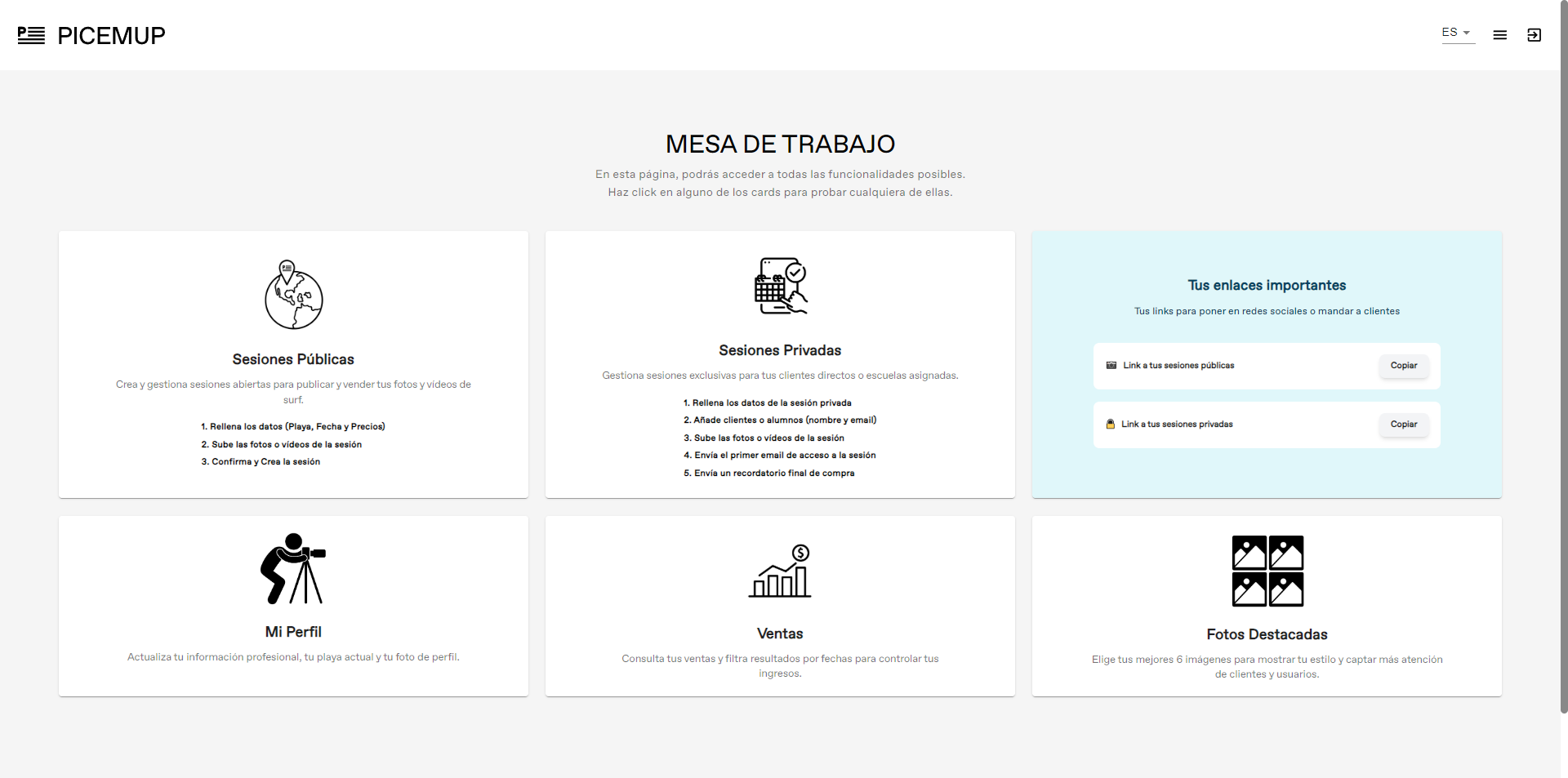
Access your panel
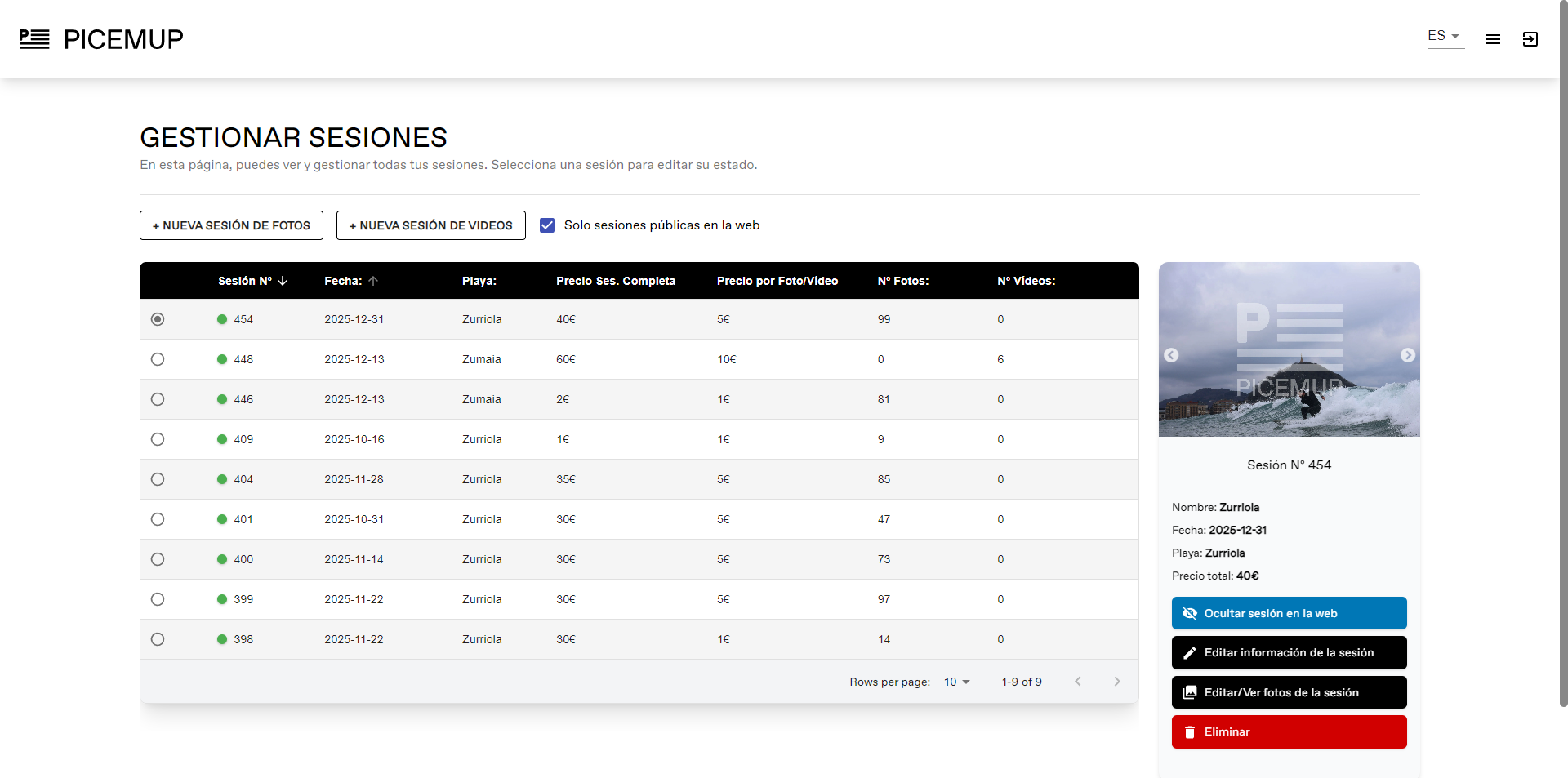
Register in 'My PICEMUP', click on the 'Sessions' section and press 'New photo session'.
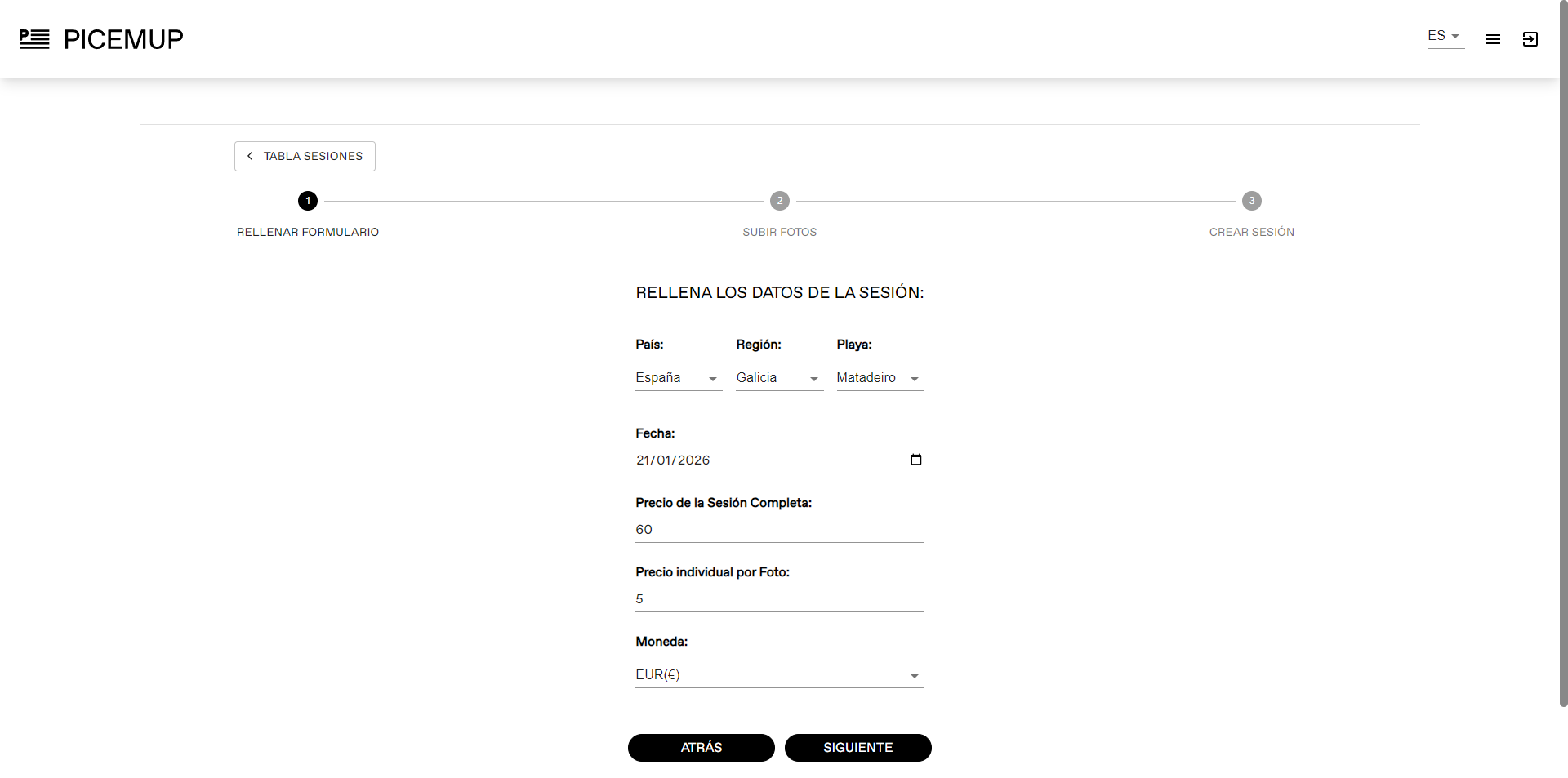
Complete the information
Indicate the beach, date, full session price, per photo price and currency.
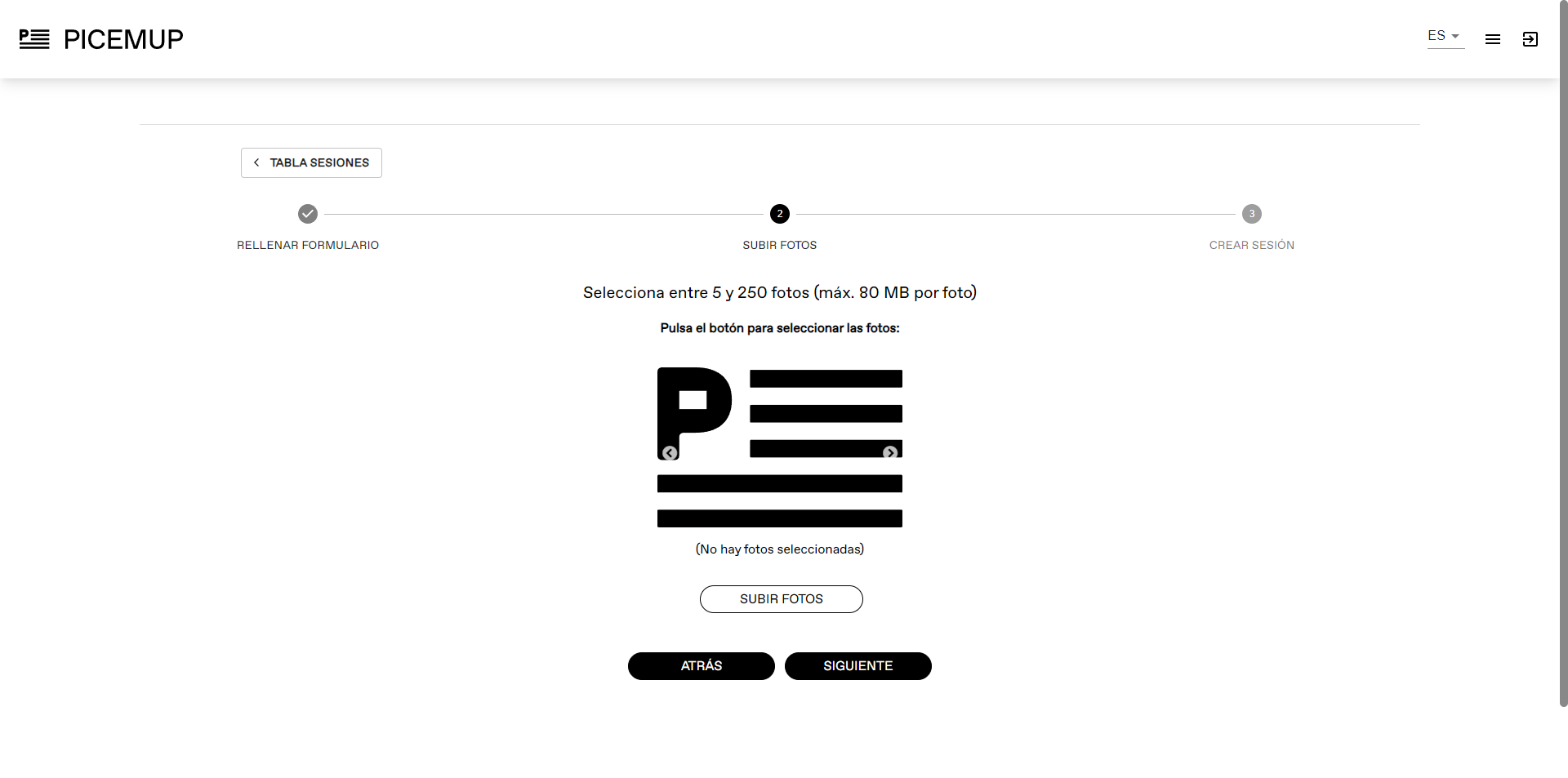
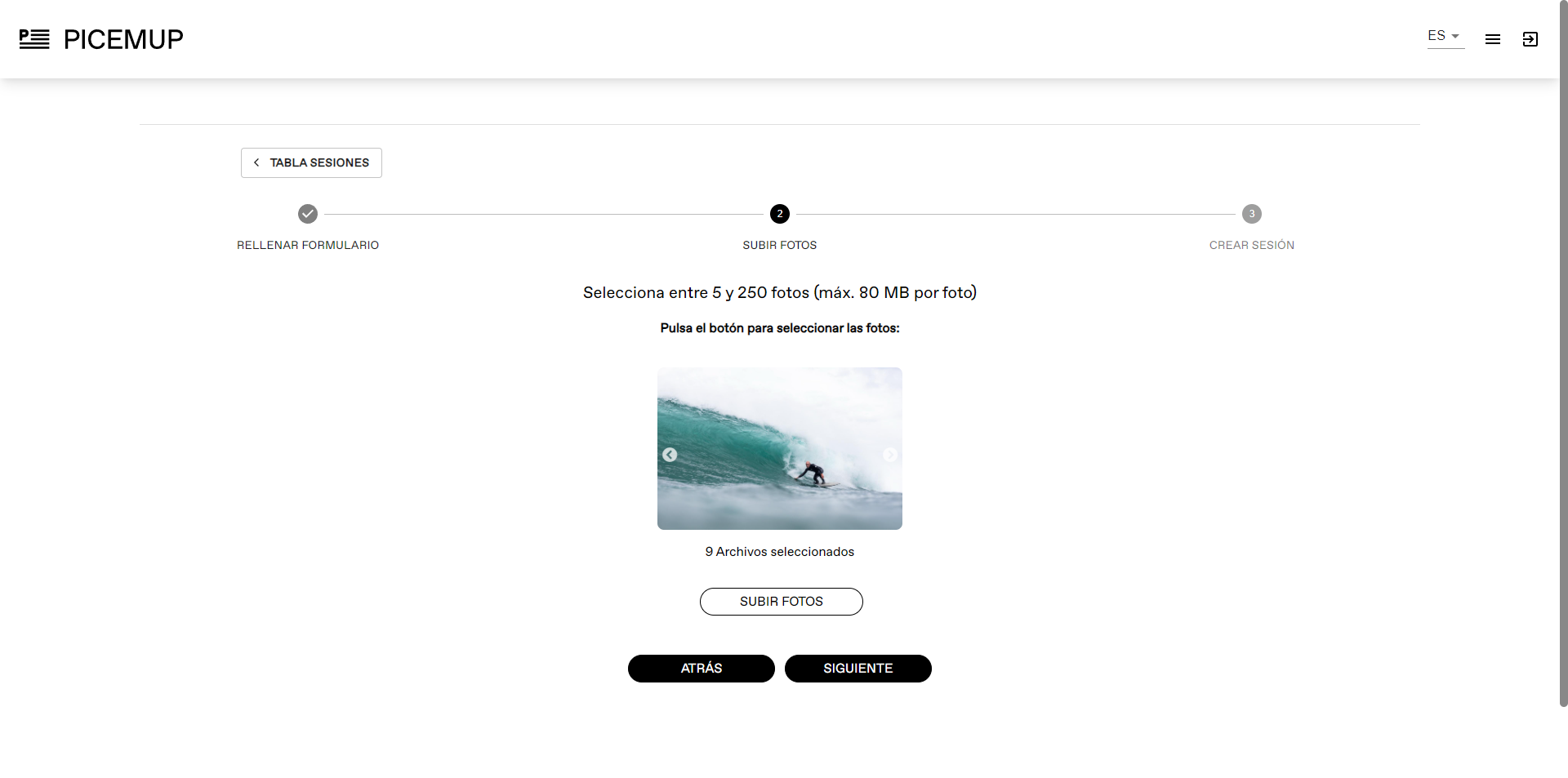
Select your photos
Select the session photos. You can upload between 5 and 250 images at once of up to 80MB.
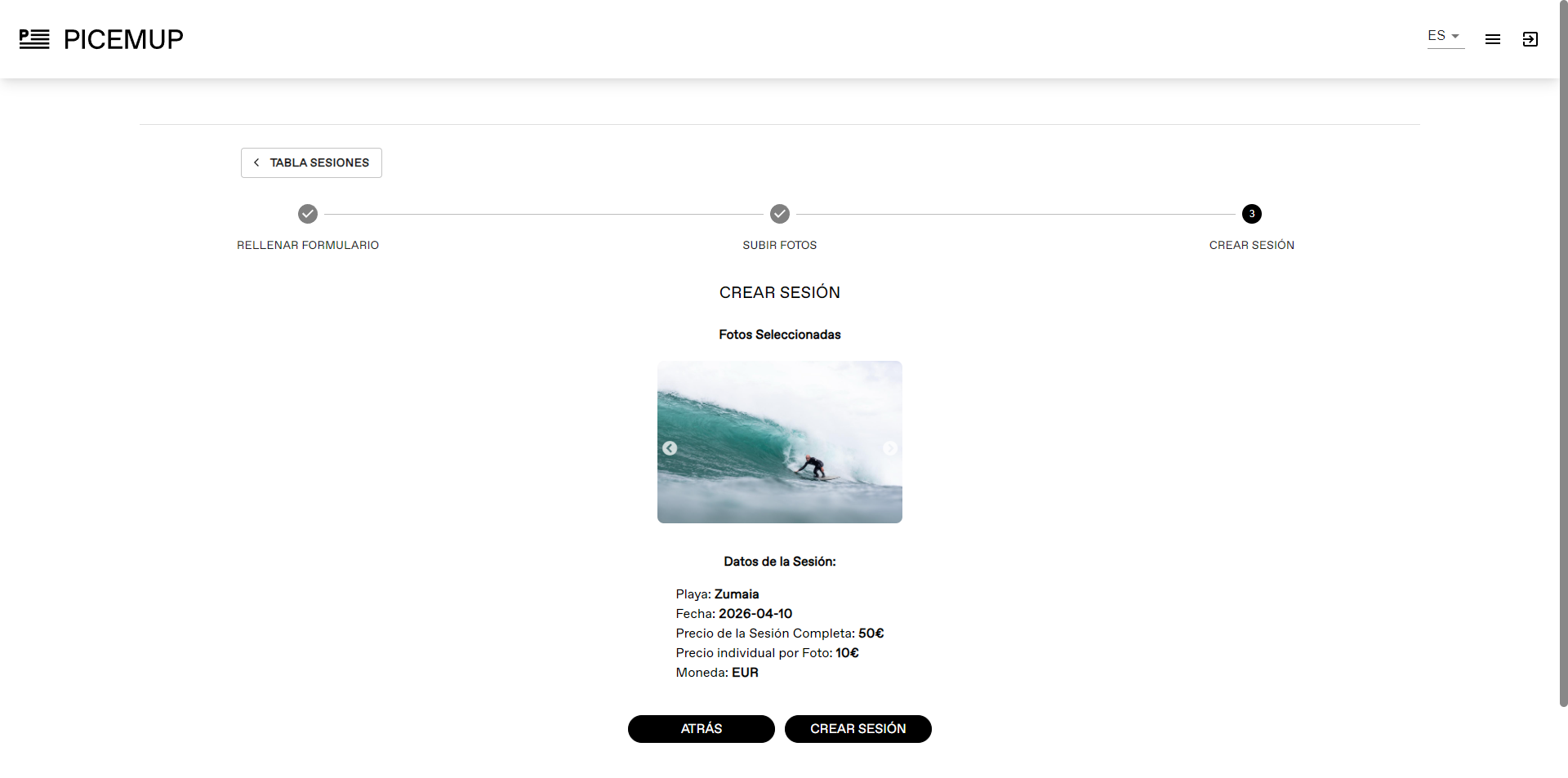
Confirm and upload the session
Review all the information and press 'Create session'. The system will process the photos and create the watermarked images.
⚠️ Technical Requirements
- • Maximum 80MB per image.
- • Upload between 5 and 250 images per session.
- • Create offers so that the full session and individual photos have different prices.
💡 Pro Tip
Upload sessions as soon as possible. Surfers look for their photos the same day or the next day.
Videos are increasingly in demand. Offer short, quality clips to maximize your sales.
Prepare your videos
Edit short clips (10-60 seconds) of the best waves.
Access the video panel
Register in 'My PICEMUP', click on the 'Sessions' section and press 'New video session'.
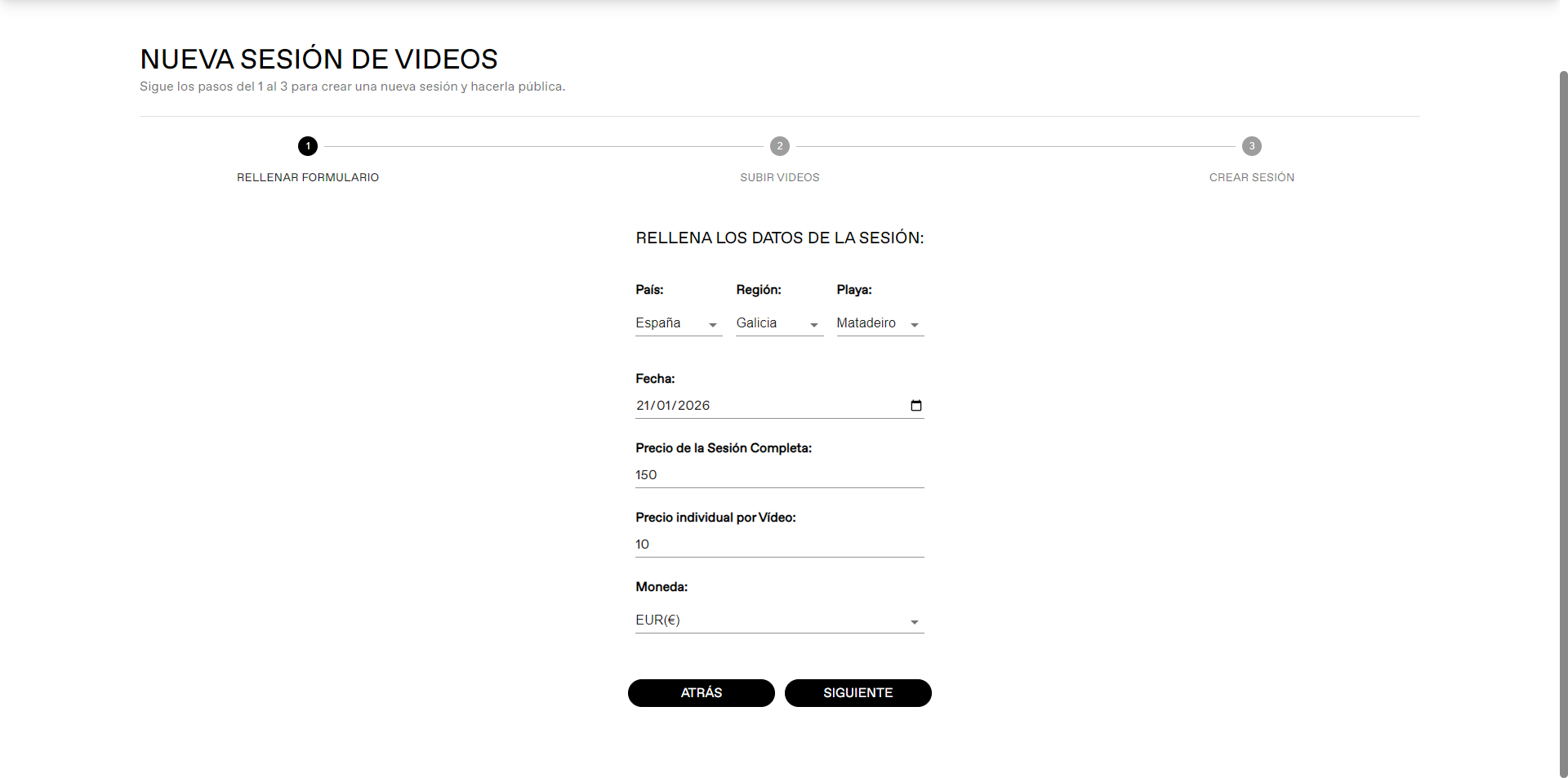
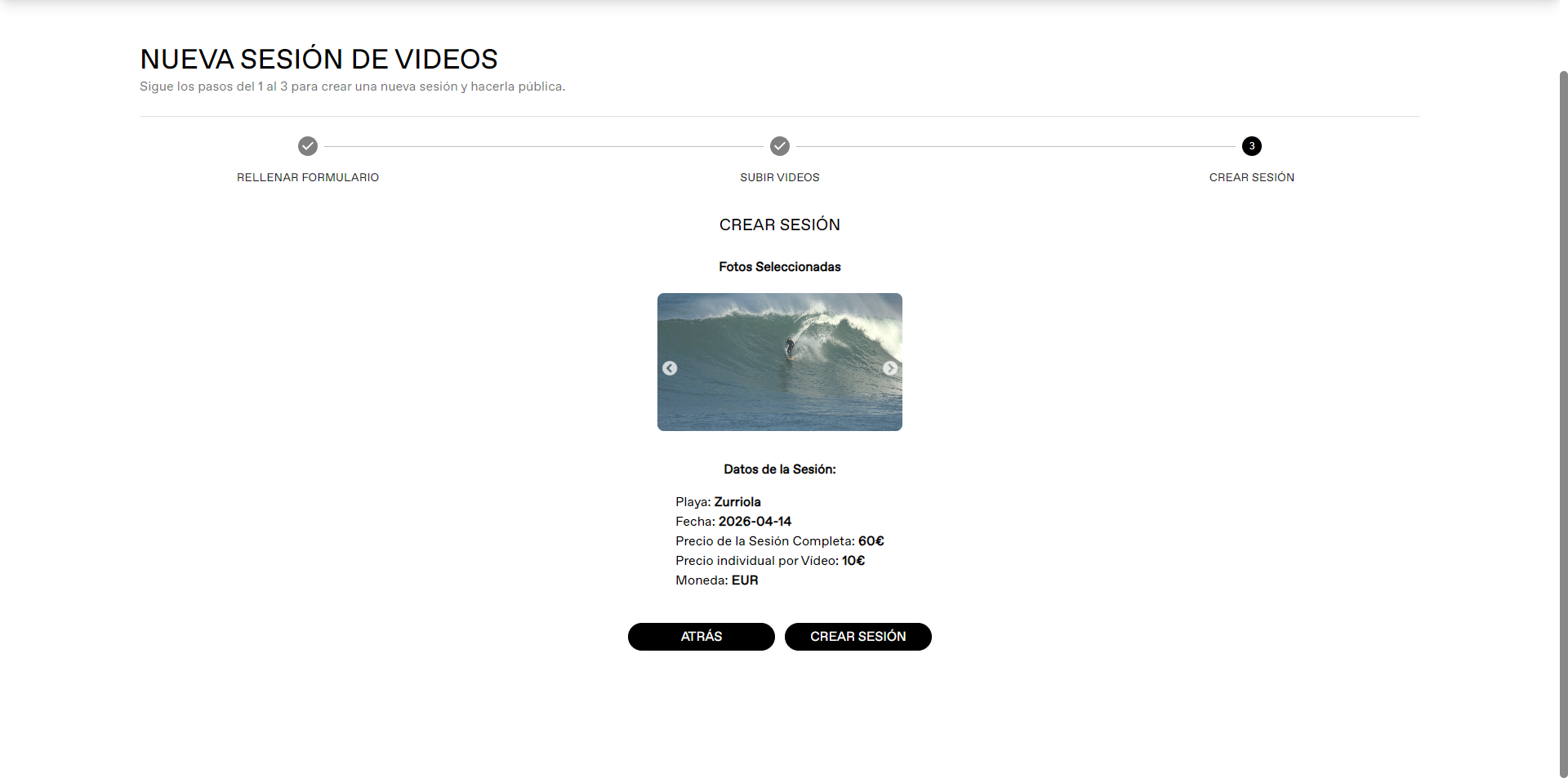
Complete the information
Indicate the beach, date, full session price, per video price and currency.
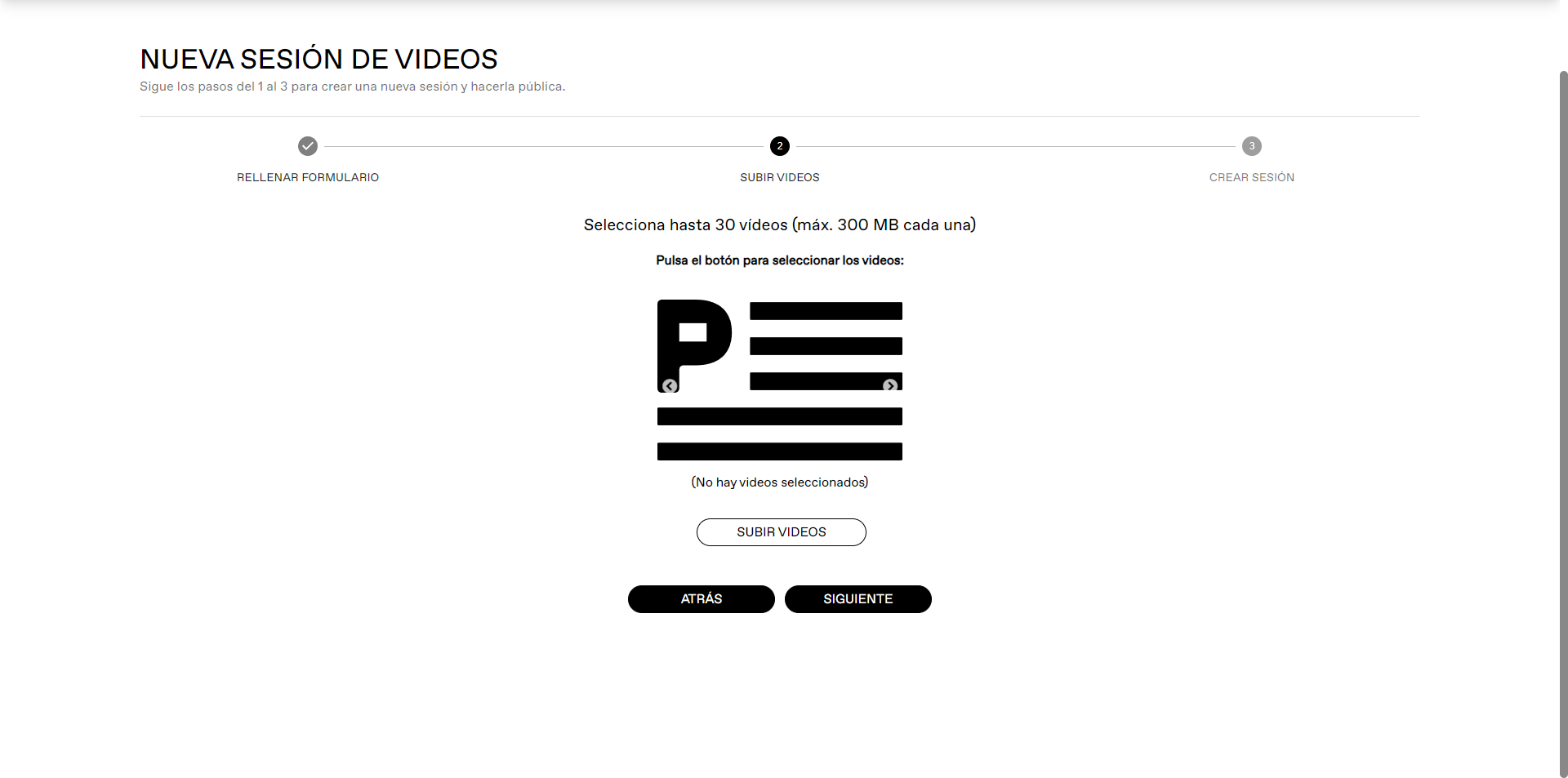
Select your videos
Select the session videos. You can upload up to 30 videos at once of 300MB.
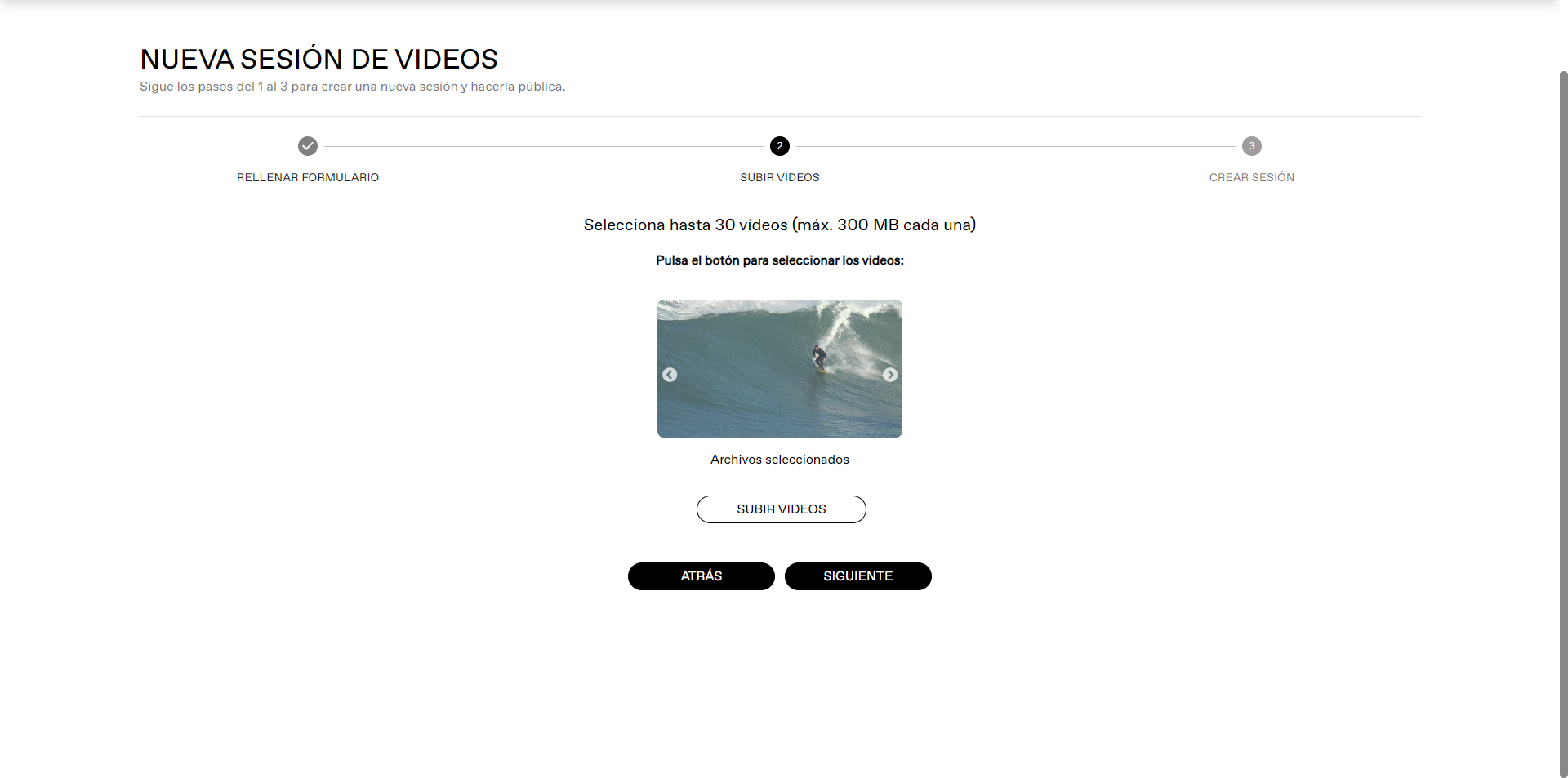
Confirm and upload the session
Review all the information and press 'Create session'. The system will process the videos and create the watermarked videos.
⚠️ Video Requirements
- • Maximum 30 videos per session.
- • Maximum 300MB per file.
- • Duration: 10-60 seconds per clip
- • Create offers so that the full session and individual videos have different prices.
🎬 If you have multiple waves of the same surfer
Take the opportunity to upload a session just for them and make an offer for the full session.
💡 Tip
You can use slow motion to highlight surfers' maneuvers.

 contact@picemup.com
 @picem.up
 +34 648880972